
Your music, on tape.
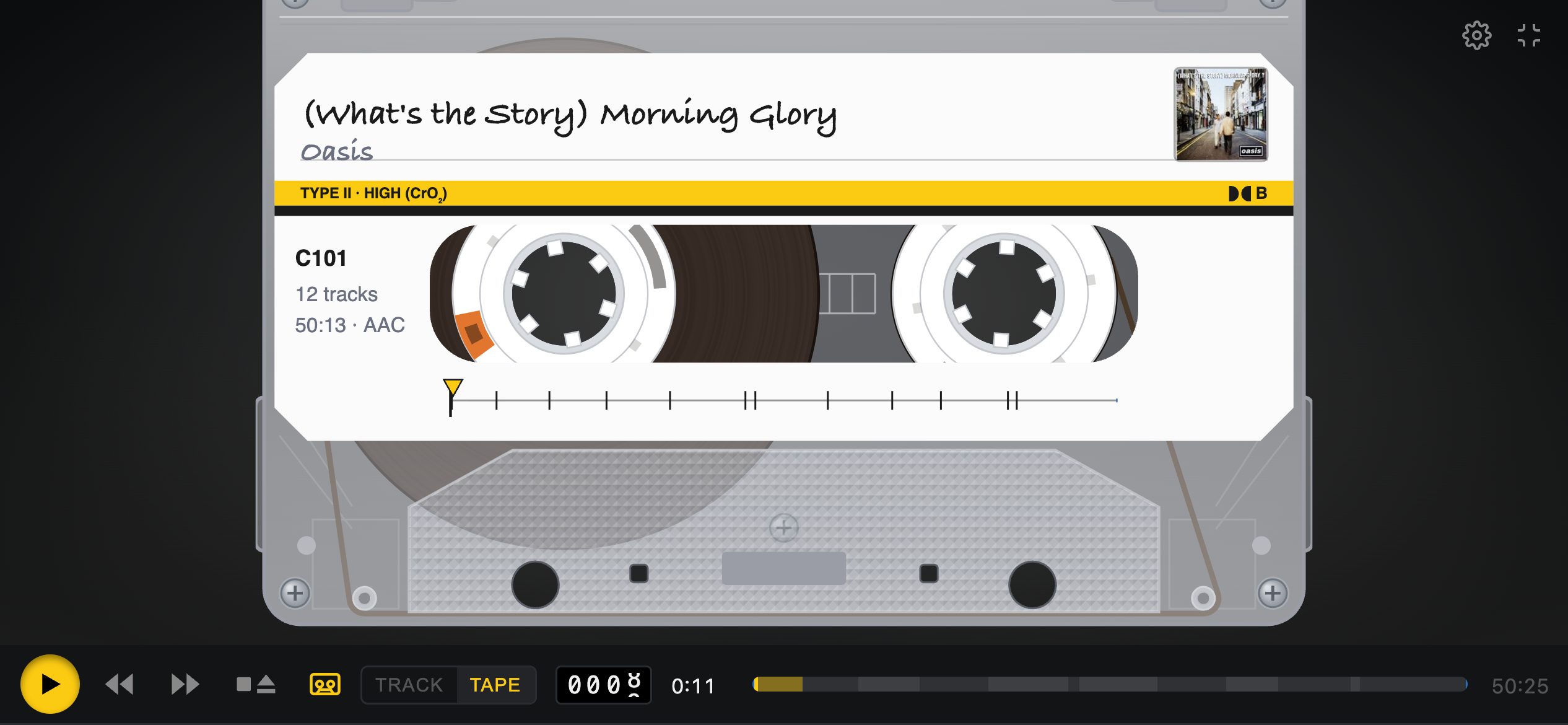
Tape Deck plays your own music library as a cassette: drawn to scale, with reels that wind as you listen, a handwritten label and keys that latch.
iPhone · iPad · Mac
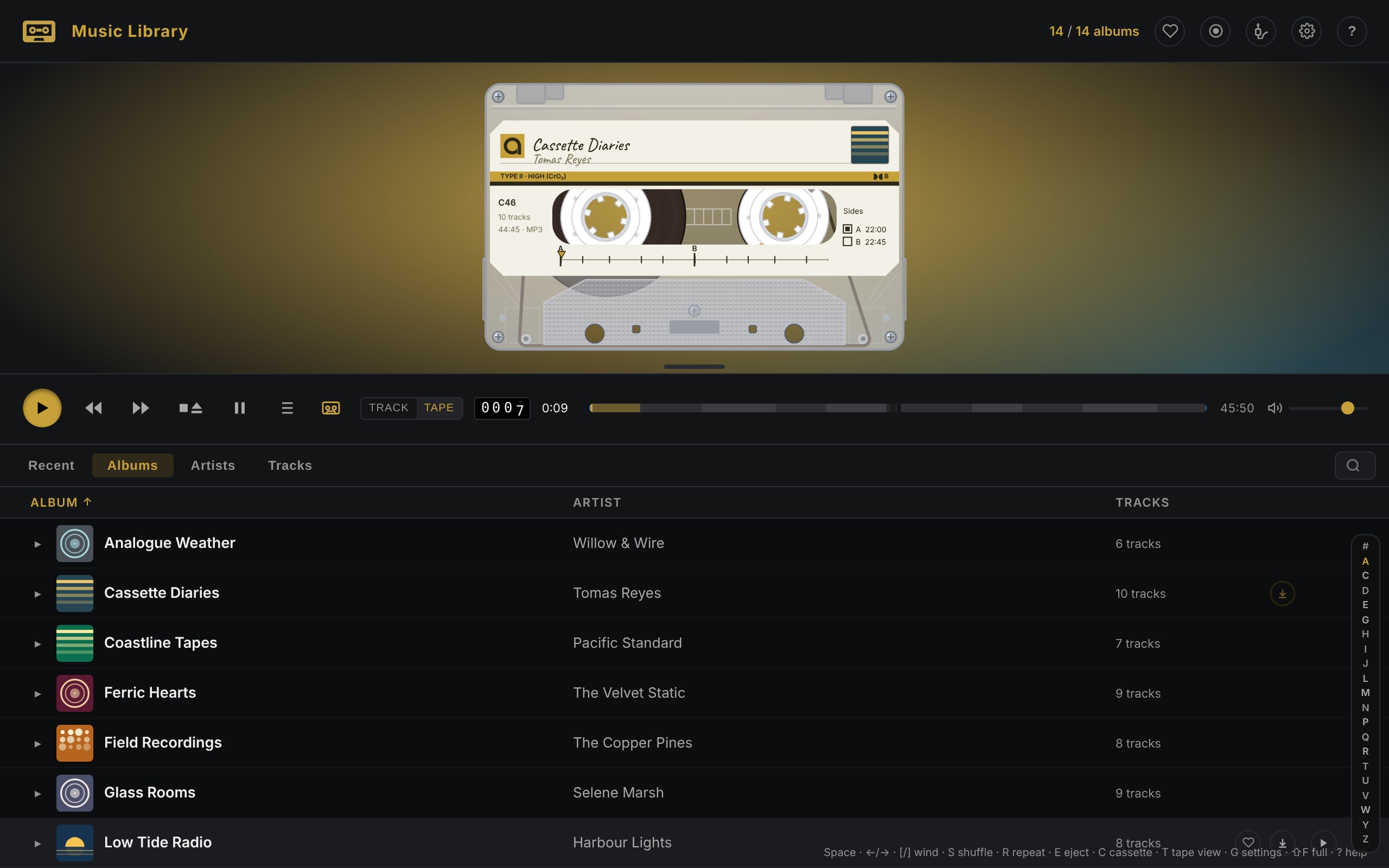
A real cassette, not a picture of one
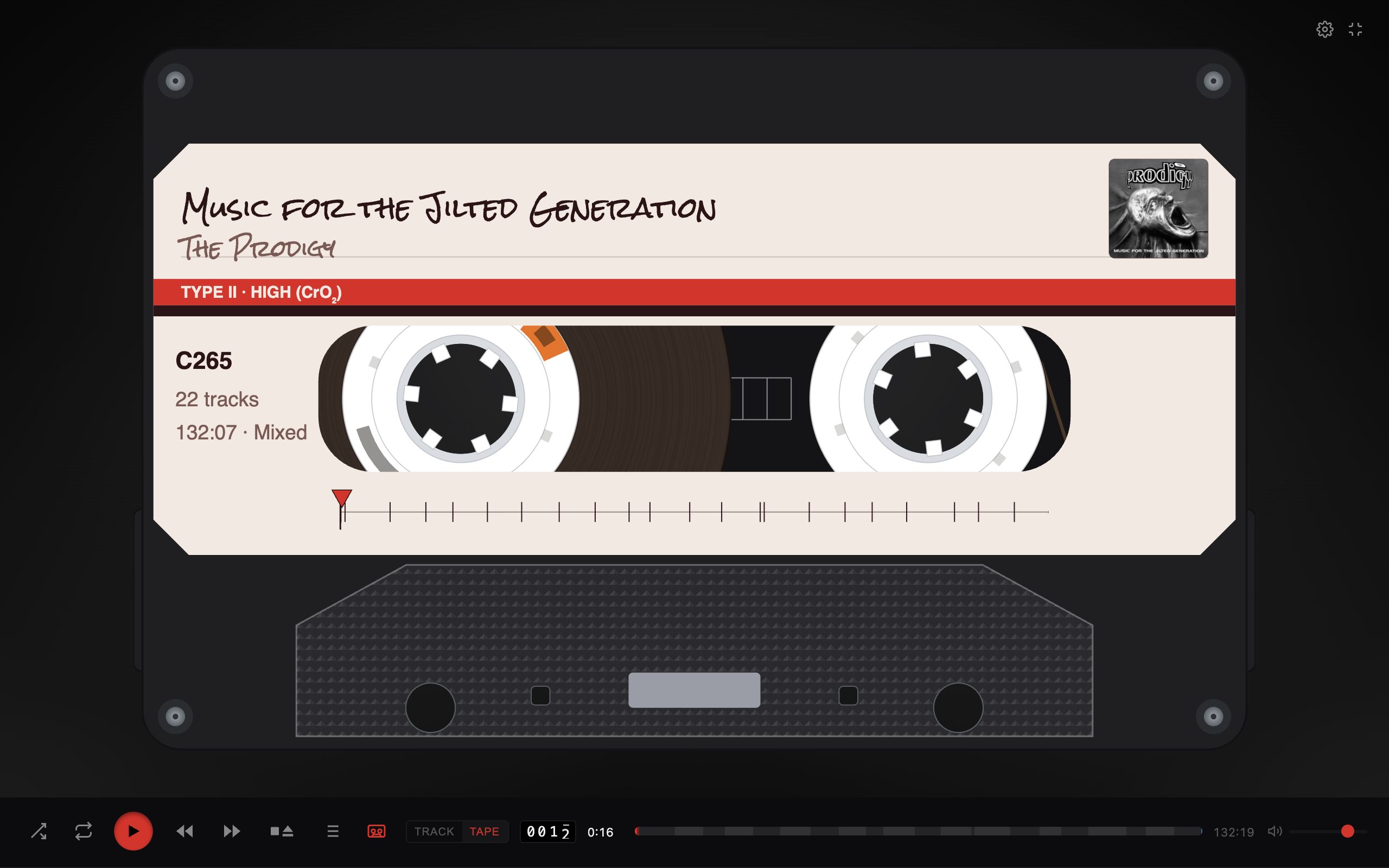
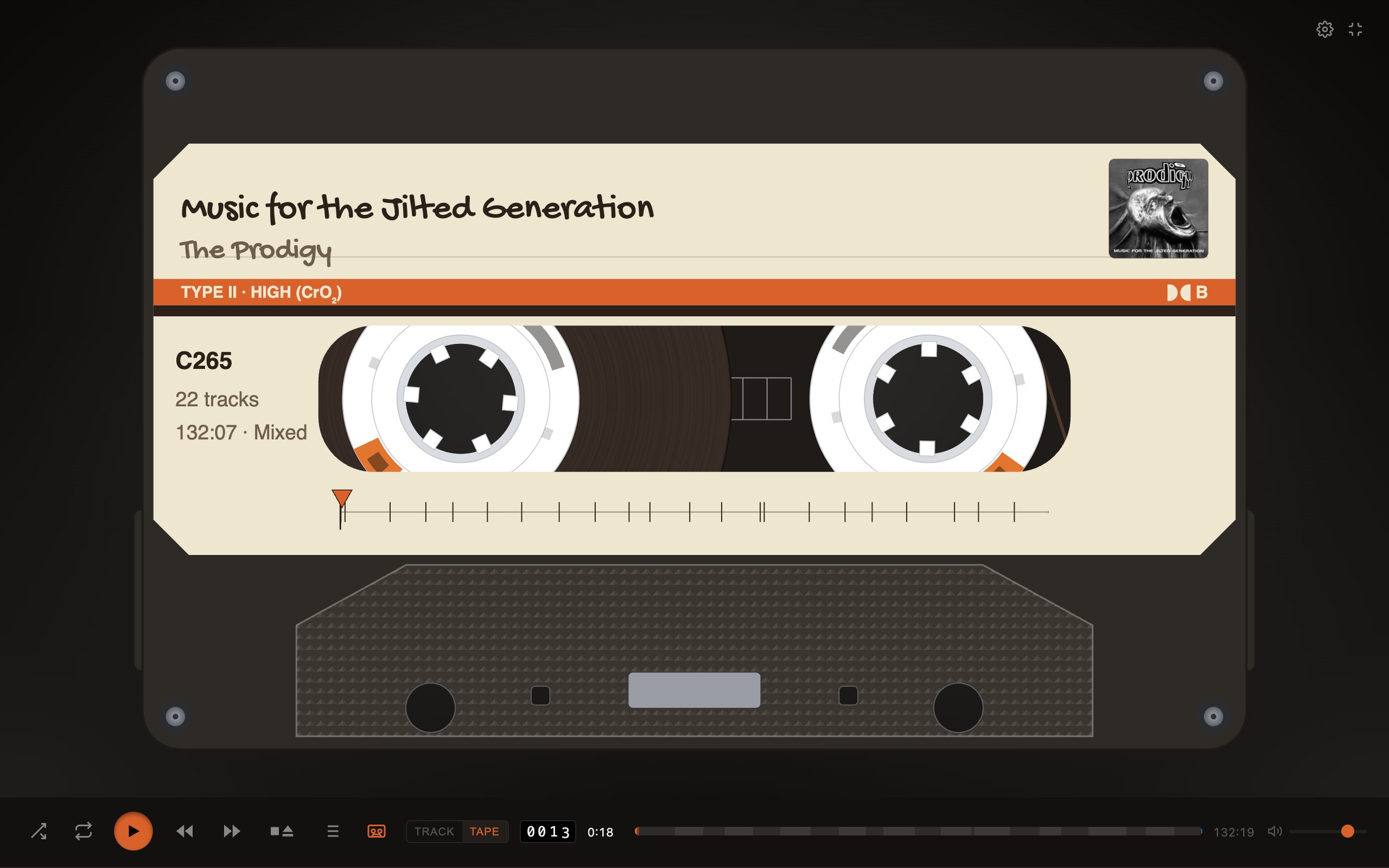
The cassette is drawn to the standard's dimensions and measured off a real tape. The reels are sized by how long the side is, and wind from one to the other as the music plays.
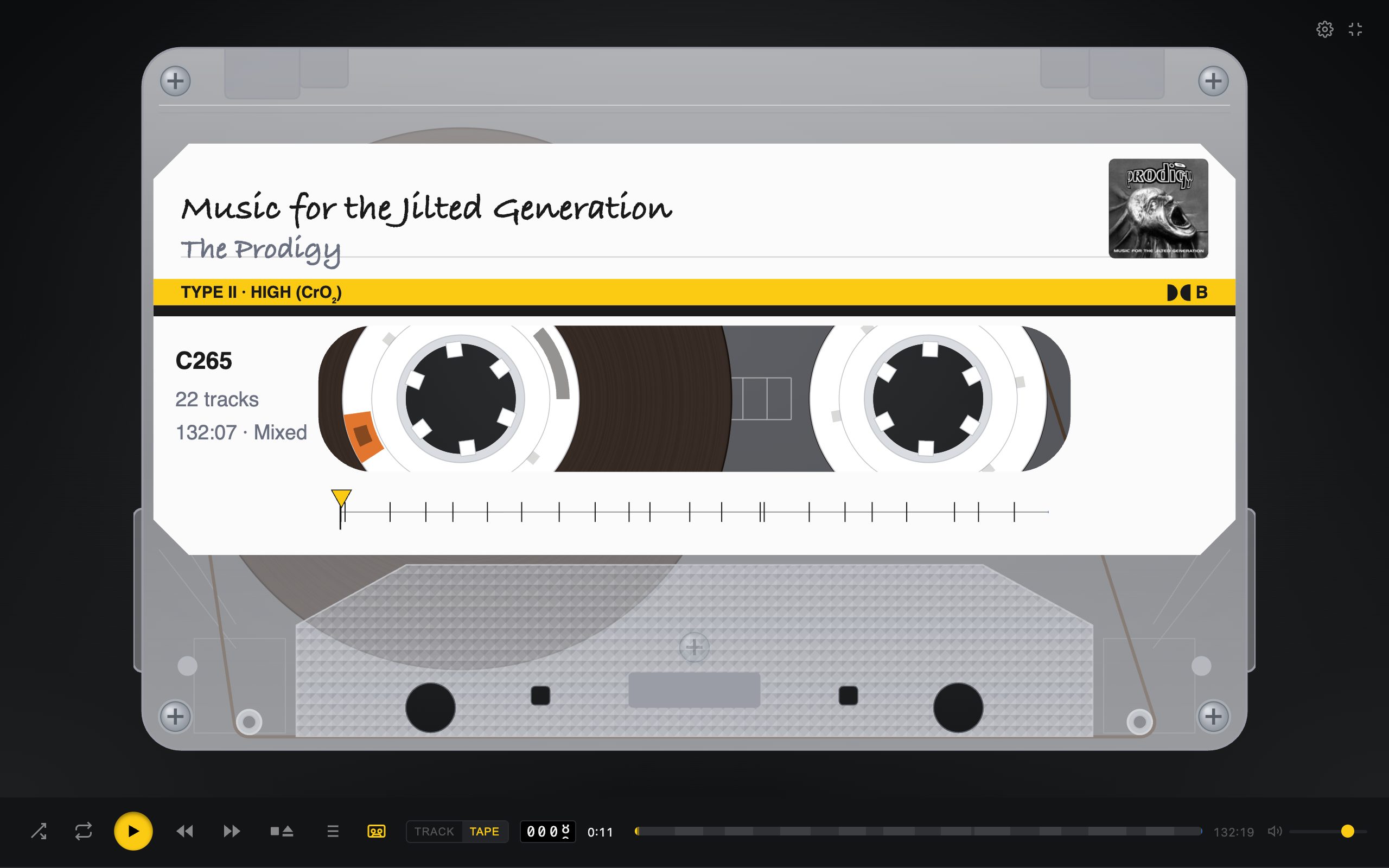
- A label for every album: the title and artist in handwriting, the cover, the running time, and an index strip with a mark for each track. Click the index to wind there.
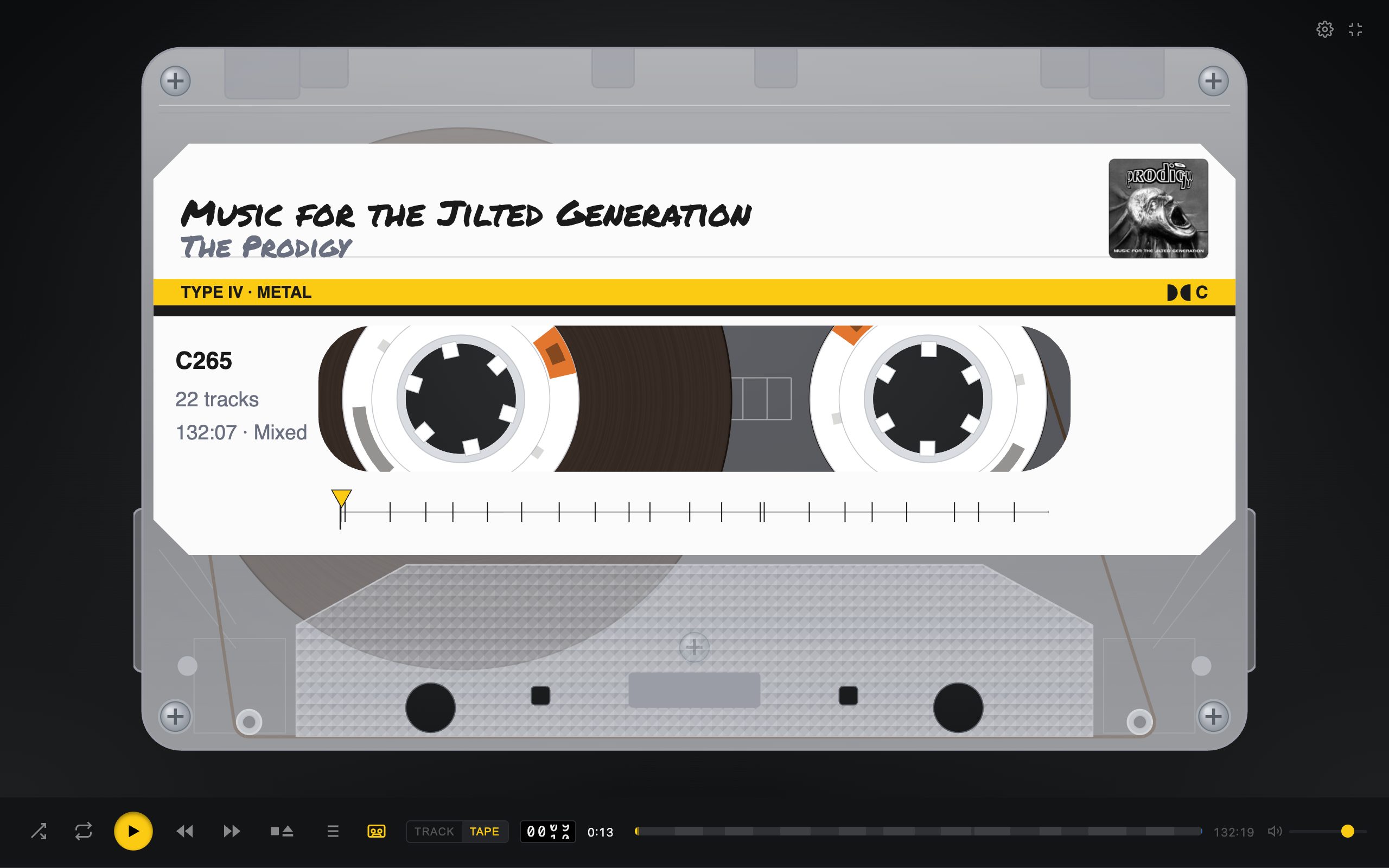
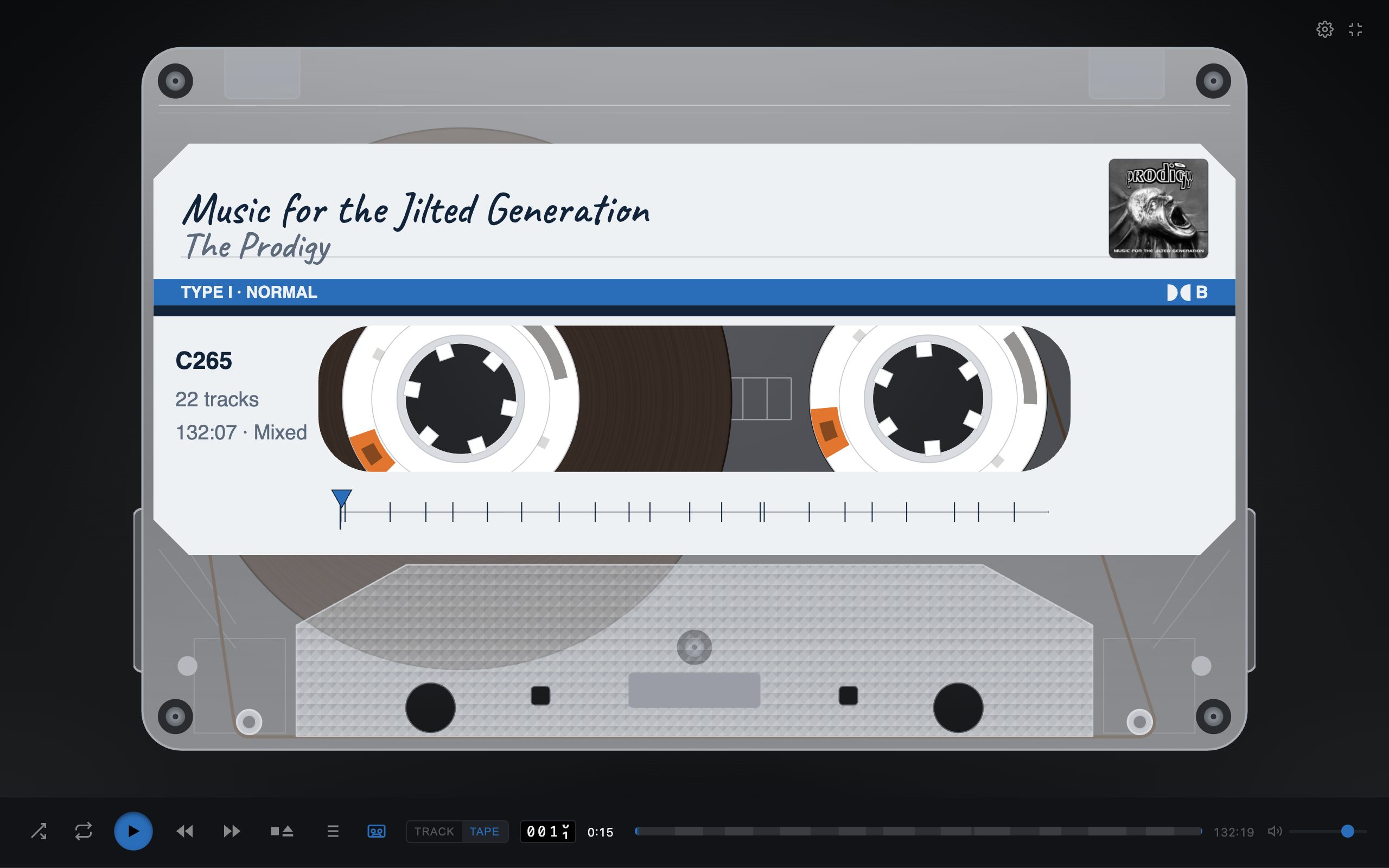
- Six shells. One of them colours itself from the album's cover, and the page with it.
- Six hands, from a biro to a marker, or a different one for each album.
- Type I, II or IV, with Dolby B or C: printed on the label, cut into the shell's edge, and heard in the sound.
- Take it apart: a clear shell, the front off, or the whole cassette exploded into its layers.
Keys that behave like a deck's
Choose a portable recorder's keys, or a modern player's. Either way, the tape moves the way a tape does.
Play latches
It stays down while the tape runs and points the way it's going. Pressed again, it turns the tape over at the same point, like a deck's DIR key.
Wind it
Rewind and fast forward race the reels with the sound of tape flying past the heads. Or drag the cassette to wind it by hand.
Auto-reverse
Side B plays backwards with a clunk of the mechanism, or the tape is turned over between sides, as you choose.
Leader and hiss
Each side starts and ends with clear leader you can hear, and a shop-bought tape's cue tone after the last track.
Motor wow
The motor spins up when you press Play and runs down when you stop, and the pitch bends with it.
Gapless
Under the tape, albums that run together play as one, joined on the exact sample.
From fresh to chewed
One slider for how battered the tape is. Turn it up and you get hiss under the music, a wobble in the pitch and scratches on the shell.
- Played in, well loved, worn. Every step sounds and looks a little older.
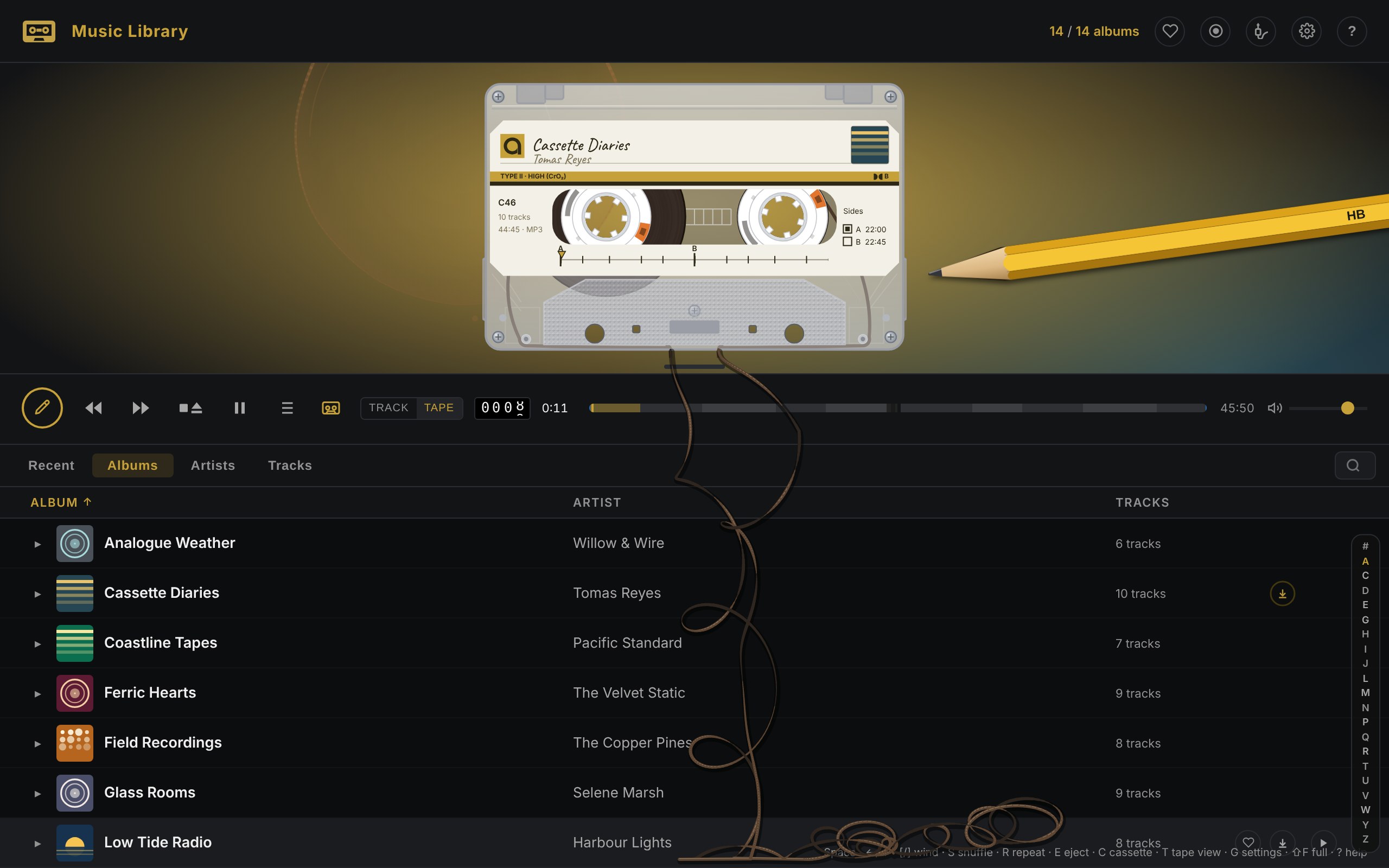
- Chewed. Now and then the deck eats the tape: the music garbles, and a loop of tape falls out over the page. Wind it back in with a pencil.
- Snapped. A track that never arrives pulls the tape taut until it breaks. Press Play to splice it.
Your whole library
Tape Deck plays music you own. Copy it into the app, or point it at your own music server and play everything on it.
Recent first
The albums you listened to last, then what's new in your library.
Albums, artists, tracks
Sort by anything, jump by letter, and search as you type. A search forgives a missing accent.
Favourites everywhere
A heart on a track or a whole album follows you between your iPhone, iPad and Mac through iCloud.
Downloads
From a server, an album downloads as you play it, or ahead of time for the train. You choose how much space to give it.
Audiobooks and podcasts
Connect your Audiobookshelf server and the deck plays your books and podcasts too, each book a tape and each chapter a track.
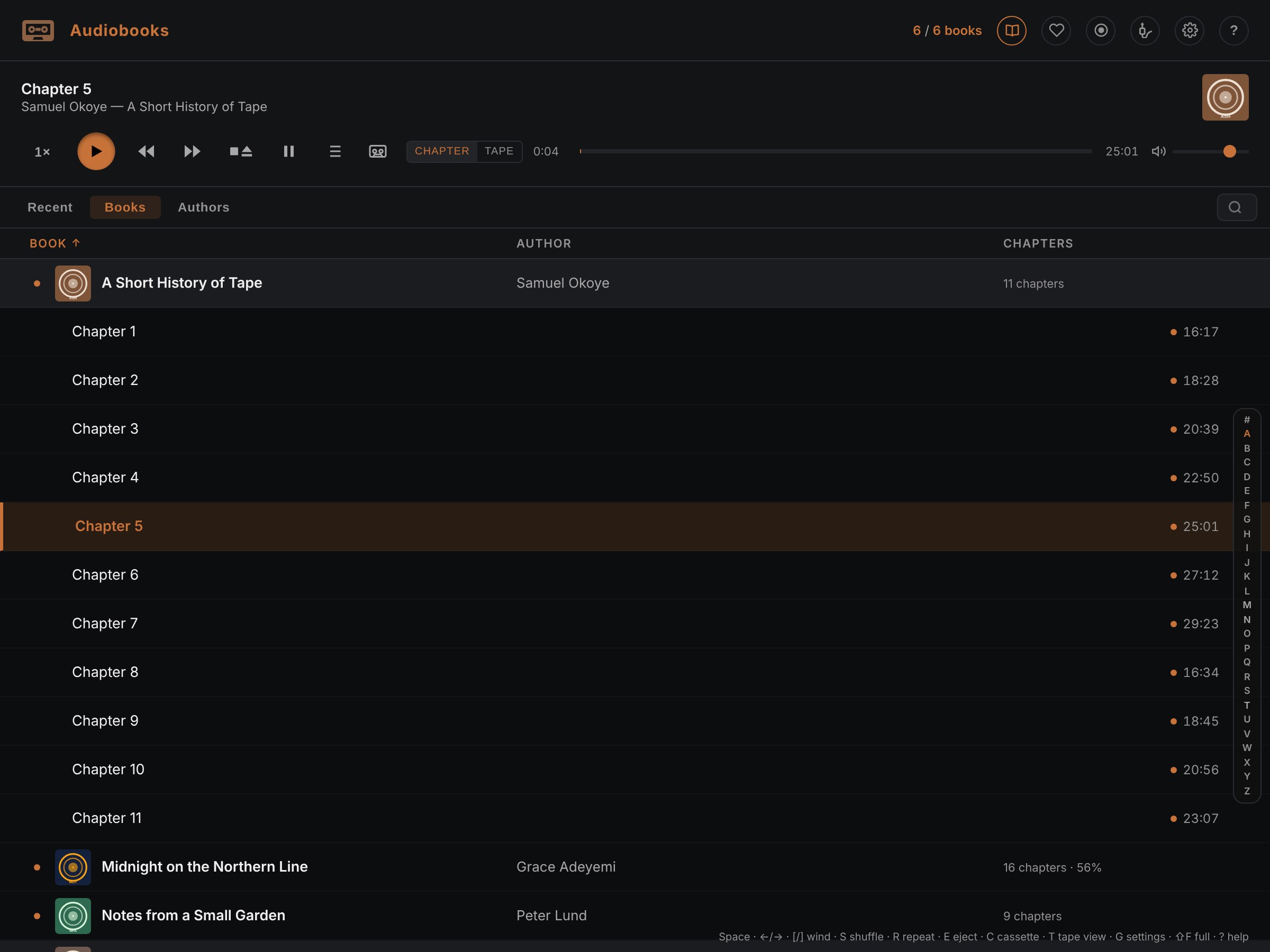
- Your place is kept on your server, so a book carries on where you left it, here or in Audiobookshelf's own app.
- Read a little slower or faster, 0.8× to 1.2×, at the same pitch.
- Skip 15 seconds back or 30 on from the lock screen, the headphones or the car.
- A book can't lose its place to a stray tap: only a deliberate wind moves its tape.
On iPhone, iPad and Mac
One app, at home on each.
- On the iPhone, turn it sideways and the cassette fills the screen. Haptics let you feel the keys and the reels.
- On the Mac, menus with the standard shortcuts, a mini player that floats above your work, and the media keys.
- Everywhere, the lock screen and Control Centre, AirPlay speakers with the cassette kept in time with what you hear, and playing on after a call.
Private by design
No account, no sign-in, no tracking. Tape Deck asks for no permissions. Your music stays on your devices and your own server, and your favourites go through your own iCloud.
Get it
Tape Deck is in beta on TestFlight for iPhone, iPad and Mac. The link to join is coming soon.
Questions? The help covers getting your music in, the keys and the settings.